Exponent energy · Shipped 2024
Timeline
Oct 2024 - Dec 2024
Skills
Role & Team
Lead Product Designer and collaborated with 1 Data Science Lead & 2 Engineers.
Responsibility
As the lead designer, I spearheaded the critical transition from operator-assisted to self-service charging to unlock network scalability.
I partnered with industrial designers to replace text-heavy instructions with a universal 3D visual language. This redesign addressed hardware anxiety, solved for multilingual accessibility, and implemented error-handling loops that directly enabled the removal of human operators from the loop.
Company
Exponent is India’s fastest EV‑charging startup, building a full‑stack battery and charging platform that can charge EVs from 0–100% in 15 minutes. It builds both the battery pack and the charging infrastructure as a coordinated stack, allowing real‑time control of cell conditions.
Overview
Exponent’s rapid charging technology fills a battery in 15 minutes using an off-board cooling system. The V1 chargers were bulky and complex, requiring trained human operators at every station. To scale effectively, we needed to transition from "manned" to "unmanned" stations.
My goal: Redesign the digital interface to make this high-voltage process safe, intuitive, and entirely self-service for first-time drivers.
Off-board cooling system
A text-independent, visual-first interface that visualizes invisible cooling processes.
We moved away from text-heavy instructions to a universal 3D visual language. By visualizing the invisible "off-board cooling" process through motion, the new interface gives users immediate confidence in the machine's safety without requiring them to read a single word.
The Main connection guide loop
Charging initiation showing the water flow
Charging showing water and electricity inflow
Unlocking and removing connector
50+ stations scaled with the capacity to manage unmanned operations, even in high-traffic locations, enhancing our ability to serve more regions efficiently.
Impact

38%
stations unmanned in 3 months
35%
reduction in charging errors
95%
driver satisfaction
The Challenge
Our first-generation chargers were beasts. They were heavy, utilized complex water-cooling, and the V1 interface was designed for trained employees, not everyday drivers.
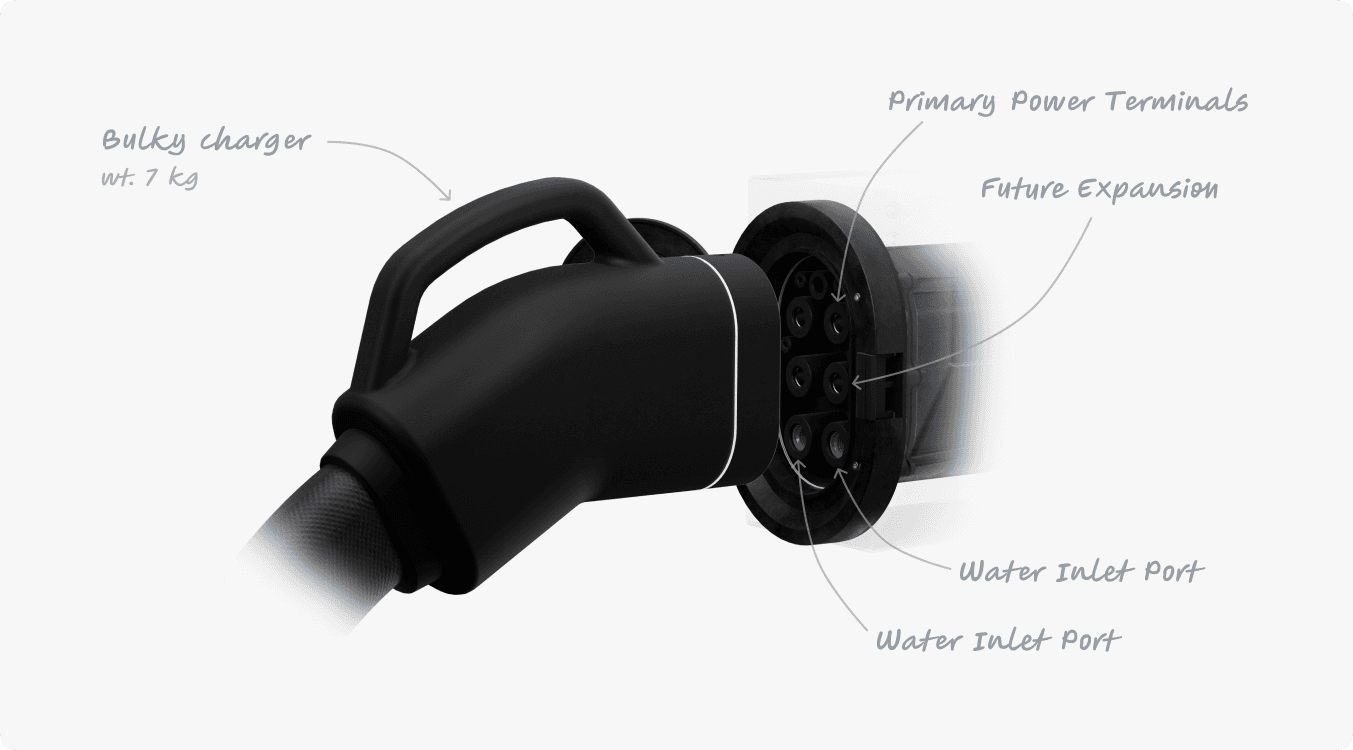
To transition from "manned" to "unmanned" stations, we had to overcome two massive inherent constraints:

Physical Complexity
The connector is significantly heavier than a standard EV plug and requires a precise locking mechanism.
Off-Board Cooling
Unlike standard chargers, ours circulates water into the car, creating a complex cycle of "locking" and "draining" that most drivers had never encountered.
Research
I started by interviewing station operators and testing with 5 Exponent drivers to see how they handled this hardware.
The results were clear: The current interface weren't helpful.
Current interface
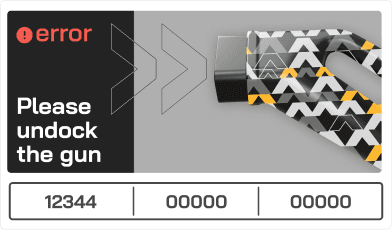
Docked stage
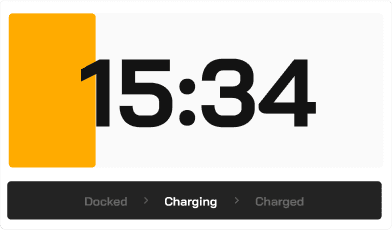
Charging stage
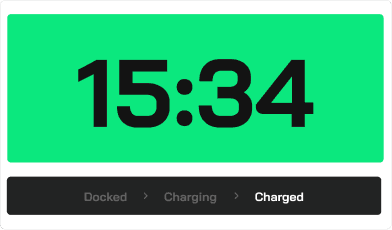
Charged stage
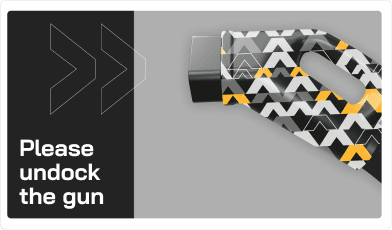
Undock stage
Error stage
We uncovered three critical failures:
The "Dashboard vs. Pump" Conflict
When the car's dashboard hit "100%," drivers immediately assumed they were done. They would yank the cable ignoring the "Do Not Remove" text on our screen while the system was still draining hot water.
Language Barriers
In multilingual cities like Bangalore, text instructions were ignored. If the screen said "Align Connector," users just jammed it in randomly.
The "Invisible" Process
Because users couldn't see the water draining or the pins locking, they assumed the machine was broken or stuck.
Testing with the Drivers
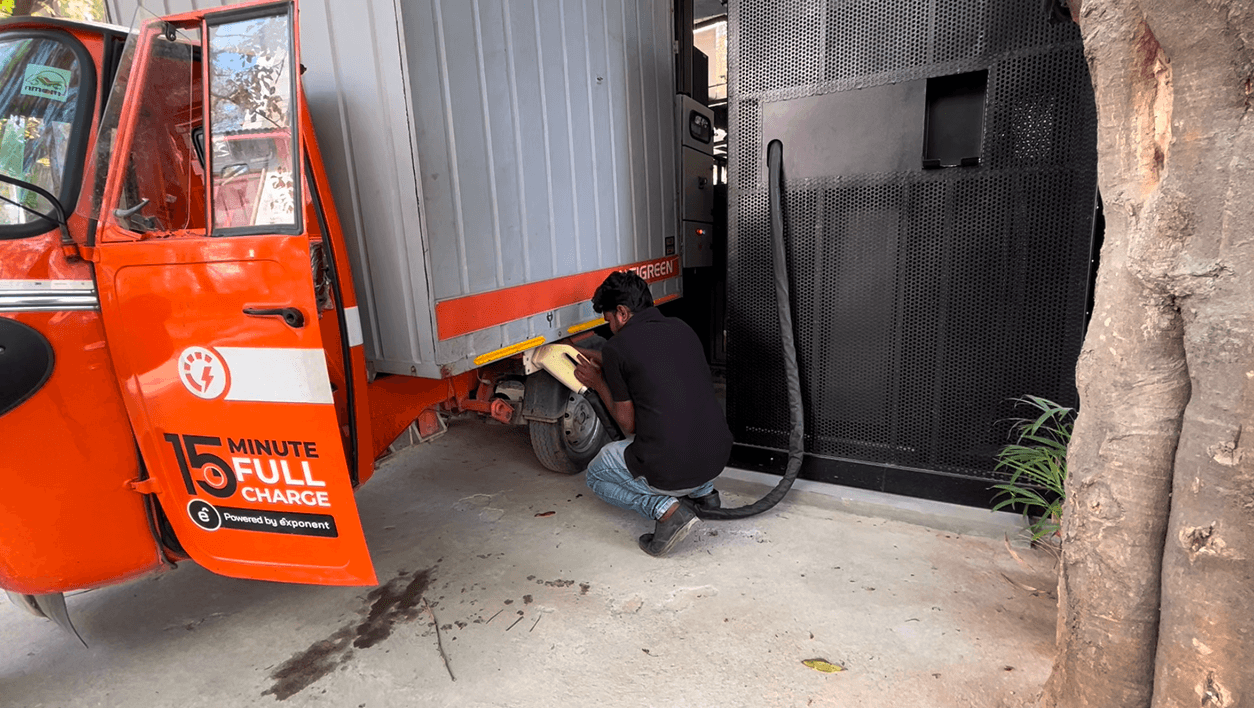
Key Insight: We couldn't rely on text warnings. If the process is invisible (water draining), the user assumes it’s not happening. We had to make the invisible, visible.
Design Evolution
Our first breakthrough was realizing we needed to bridge the language gap. We decided to prototype using short, looping videos to demonstrate physical actions. I initially shot and edited short, looping videos of actual hands performing the steps (plugging in, turning keys).
First Iteration - Main Loop
Fun Fact: I was the hand model for these shoots!
First Iterations - Other Cases
Key On/Off Sequence Not Followed
Incomplete Connector Insertion
Solenoid locking issue
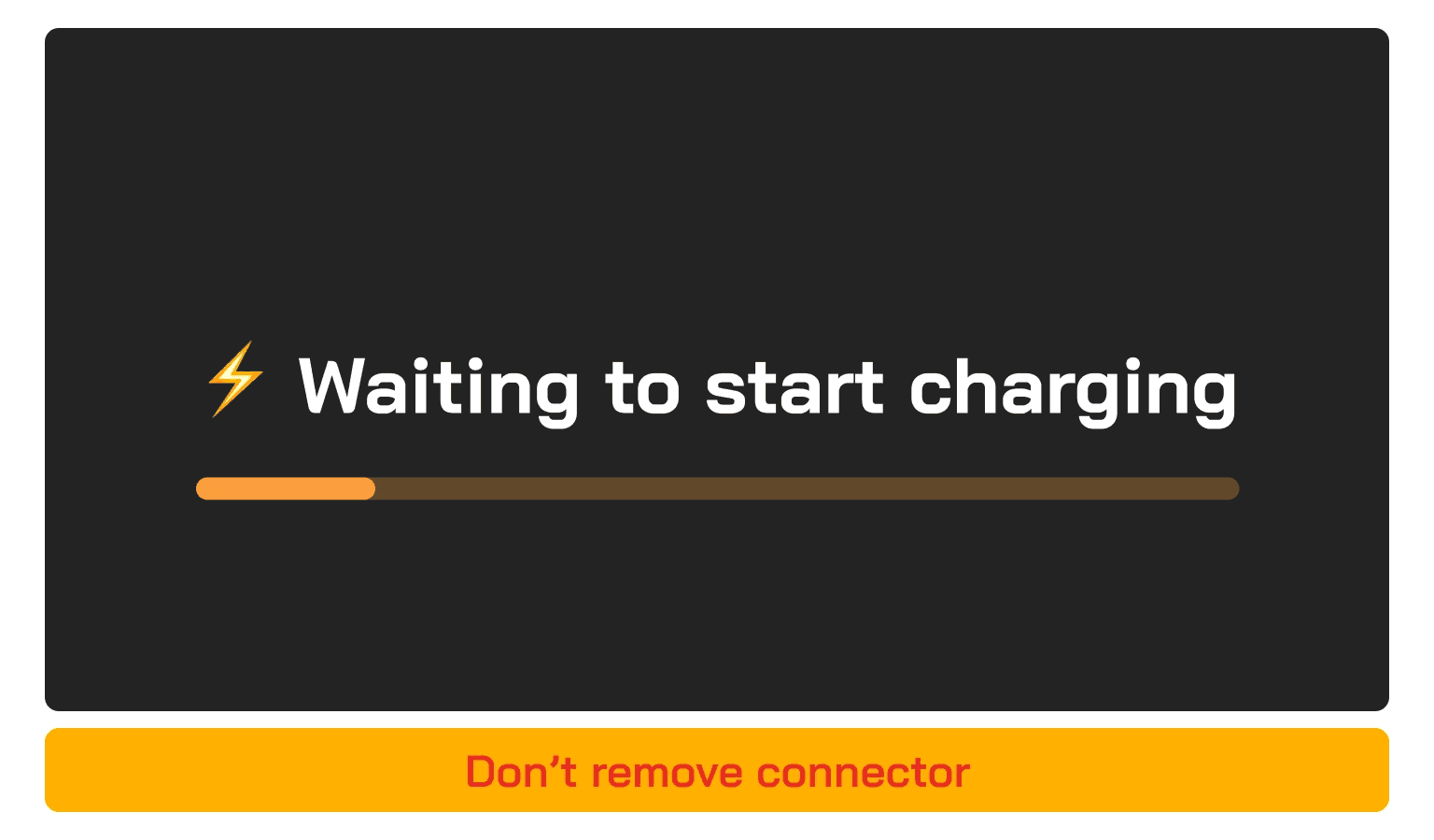
Charging Start Delay - Water entering
Charging
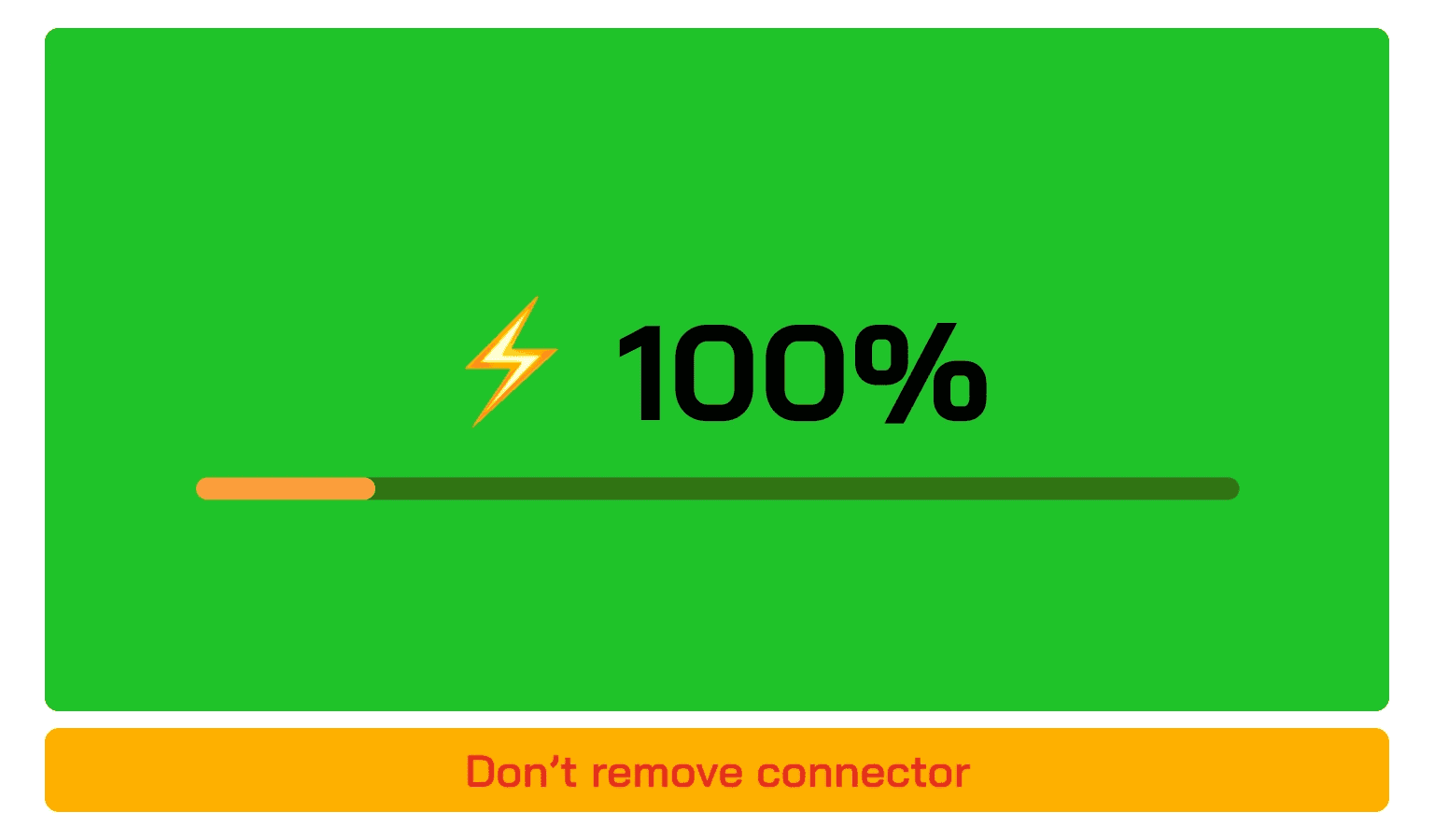
Charging Completion and Water Drainage
Premature Connector Removal
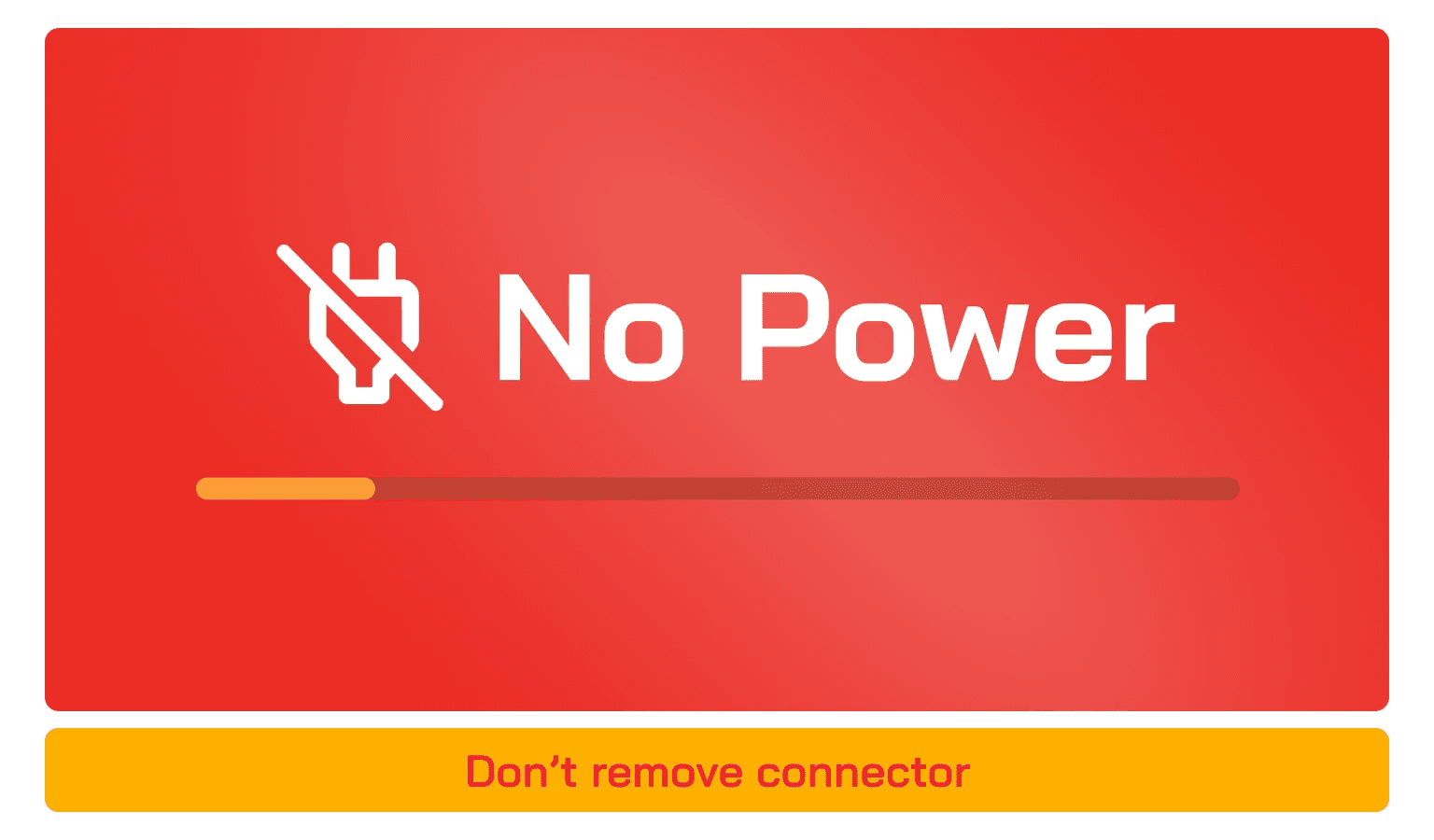
Handling Power Outages
We experimented with overlaying step numbers on these videos, but we realized that while video helped with instruction, it didn't solve the anxiety of invisible processes. While the videos were clear, they felt disconnected from the futuristic brand of Exponent. We needed something that felt native to the interface but retained the clarity of video.
While the real-life video helped with instruction (how to plug in), it didn't solve the anxiety of invisible processes (is it draining?). Real video couldn't show the water flowing inside the cable.
We decided to pivot to 3D fluid animations to visualize the internal state of the machine.
Designing for Hardware Constraints
The biggest design challenge wasn't the "Happy Path" it was the hardware constraints. The system required specific physical actions that felt unnatural to users.
Constraint 1: The Solenoid Lock
Problem: Due to the cable's weight, users often didn't push it deep enough for the locking pin to engage. The system would just error out.
Solution: We created a looping animation with a specific "depth line" visual, prompting users to push harder until the line disappeared.
Push Connector
Constraint 2: The Invisible Coolant
Problem: Users ripping the connector out during drainage damaged the pins.
Solution: Radical transparency. We visualized the water leaving the car. By showing an active "draining" animation, users understood they had to wait, even if the battery was at 100%.
Water draining
Core Final Flows
To make the status undeniable, we collaborated with Industrial Design to create a universal visual language.
The Whole Charging Process
Incomplete Connector Insertion
Impact
₹ XX Lakhs Saved Annually By eliminating the need for human operators, we significantly reduced operational burn, allowing capital to be reinvested in infrastructure.
50+ Stations Scaled The redesign successfully enabled the network to expand to high-traffic locations without staffing bottlenecks.
38% Self-Service
Stations converted to fully self-service within 3 months of launch.
35% Error Reduction
Drop in charging errors, specifically related to connector alignment.
95% Satisfaction
Drivers reported higher confidence and a smoother, anxiety-free process.
Reflection
What I learned
Design for the hardware, not just the screen. The screen doesn't exist in a vacuum. The physical weight of the cable and the locking mechanism were just as much a part of the UX as the pixels I was pushing.
Visuals > Text. In a high-anxiety, high-voltage environment, nobody reads. Universal animations saved us from localization nightmares and prevented dangerous errors.
Ship fast, test real. We didn't stay in Figma. We went to the stations, held the heavy cables, and watched real drivers fail. That context was the only reason we succeeded.